![401GO-Logo-LG.png]](https://help.401go.com/hs-fs/hubfs/401GO-Logo-LG.png?height=50&name=401GO-Logo-LG.png)
After you've set up your 401GO administrator account, you'll be asked to establish two-factor authentication. You must authenticate each time you login to 401GO.
Once this has been set up you can make changes to your two-step authentication under the menu.
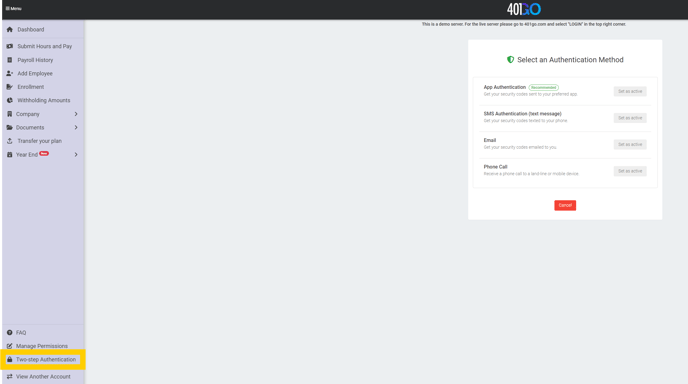
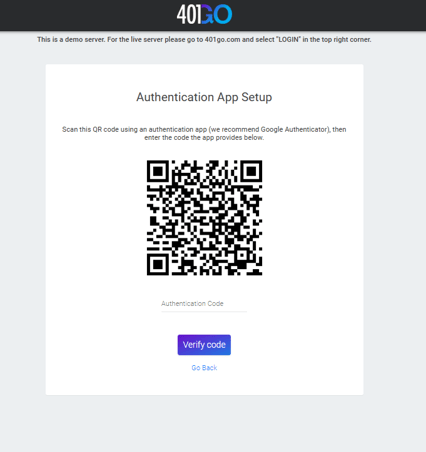
App Authentication (Recommended): Scan the QR code, then enter the code provided.
SMS Authentication (text message): Confirm your phone number, then enter the code that was texted to you.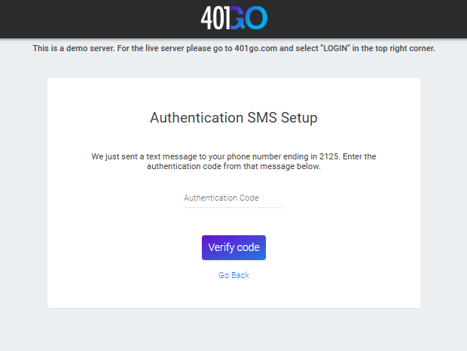
Email: Enter the code that is emailed to your email address.
Phone Call: We will call you and give you a code by phone.