![401GO-Logo-LG.png]](https://help.401go.com/hs-fs/hubfs/401GO-Logo-LG.png?height=50&name=401GO-Logo-LG.png)
Reports tab is a great way to breakdown large amounts of information into manageable data points for better plan management.
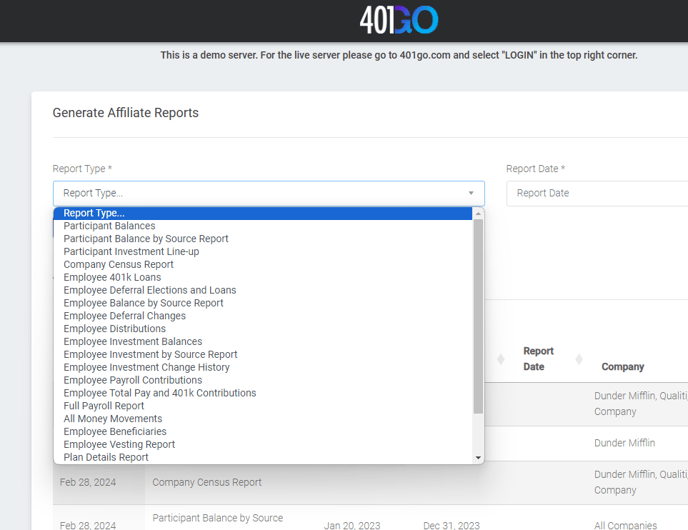
- First, choose from over 20 report options from the drop down list under "Report Type"
- Second, select a "Report Date"
- Click "Generate"
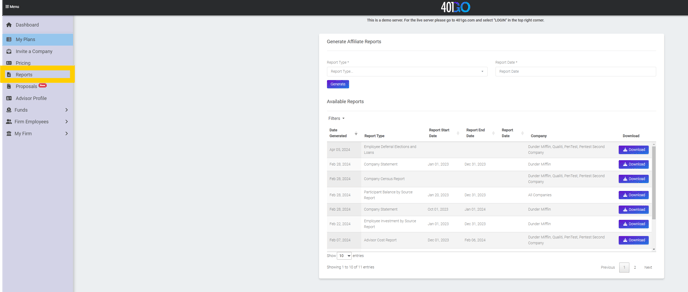
The requested report will appear under "Available Reports" below. When you are ready to view, click on "Download."