![401GO-Logo-LG.png]](https://help.401go.com/hs-fs/hubfs/401GO-Logo-LG.png?height=50&name=401GO-Logo-LG.png)
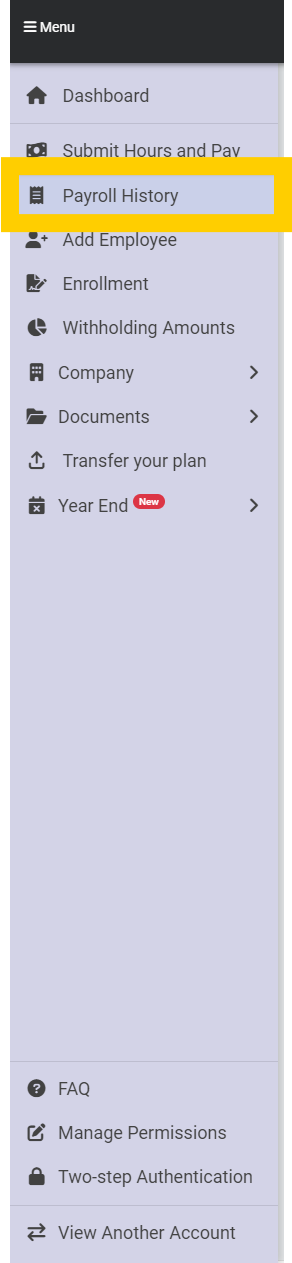
You can review payroll contribution information submitted to 401GO anytime by navigating to Menu > Payroll History.
This page will show the date that payroll information was submitted and the date the payroll is for (also known as the W2 check date) as well as a breakdown of the contribution amounts.
On the right side of the page, you can find an ACH amount that will be pulled from the company bank account, the ACH date the funds will be pulled and a confirmation of whether the ACH sent. It will say “No” until the funds are pulled from your bank, then it will change to “Yes.”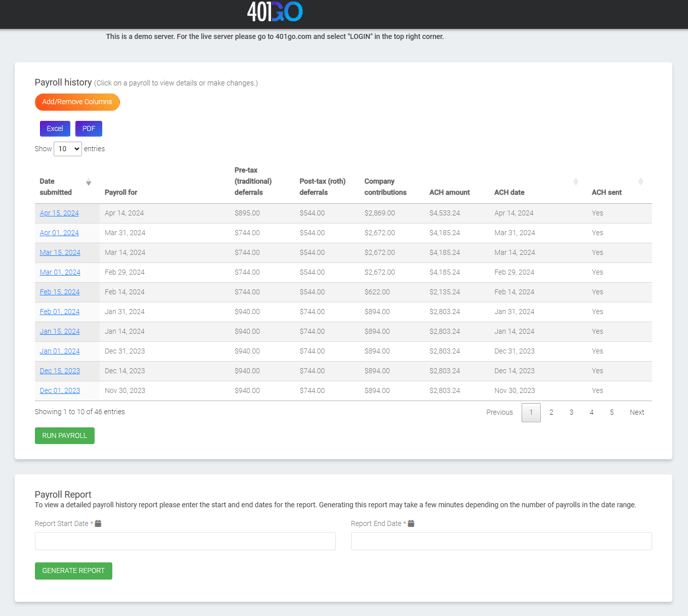
You can adjust the view for which columns show on this page by clicking “Add/Remove Columns” and checking or unchecking column names. 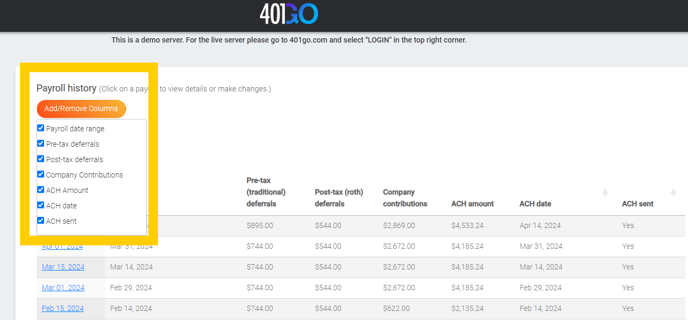
Click on any blue ACH date link to view the payroll contribution information. Here, you can see the information submitted to 401GO including any contributions employees have made.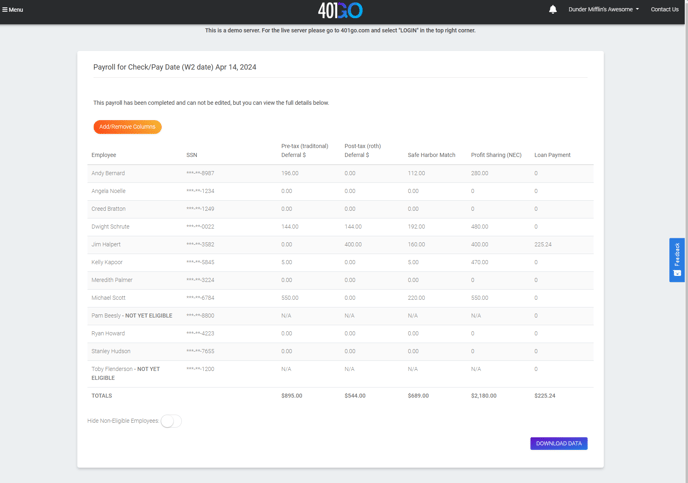
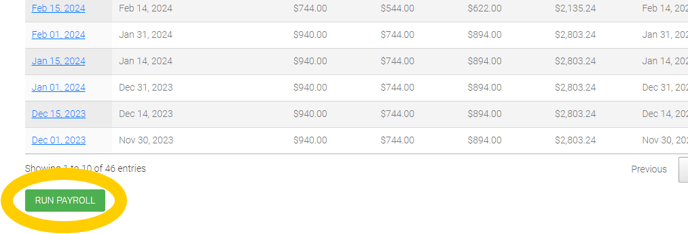
To start a new payroll contribution, select Run Payroll. See Submit Hours and Pay for more information about this process.