![401GO-Logo-LG.png]](https://help.401go.com/hs-fs/hubfs/401GO-Logo-LG.png?height=50&name=401GO-Logo-LG.png)
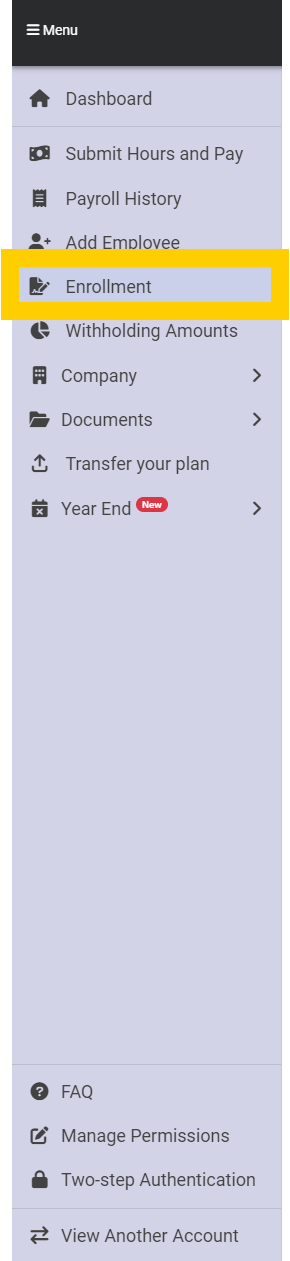
You can view your employee information by navigating to Menu > Enrollment.
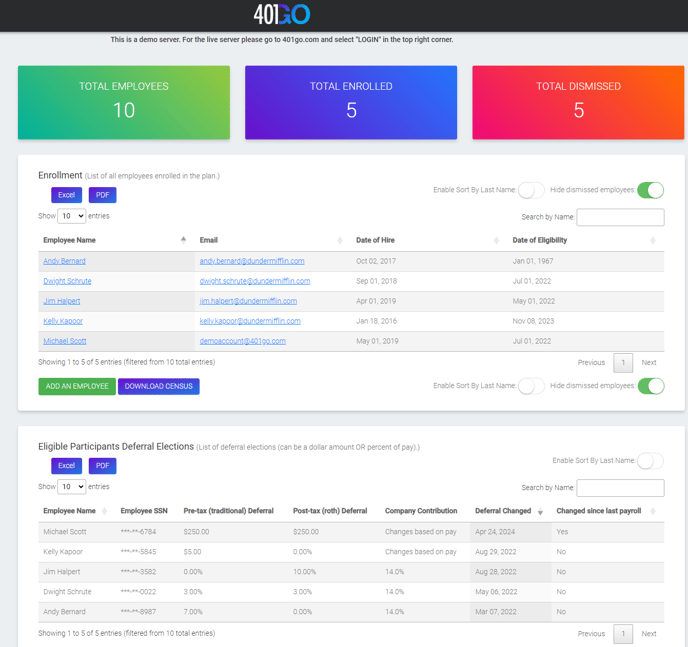
Your employee total includes all enrolled (active) employees and dismissed (terminated) employees.
On the Enrollment page, you can see all active employees by default. If you need to see dismissed employees, toggle off Hide Dismissed Employees in the upper right corner of the screen.
The enrollment section will also provide the date of eligibility for your employees. 401GO calculates the eligibility date based on the eligibility criteria in your plan documents.
If you would like to download a list of employee’s information you can do so by clicking "Download Census."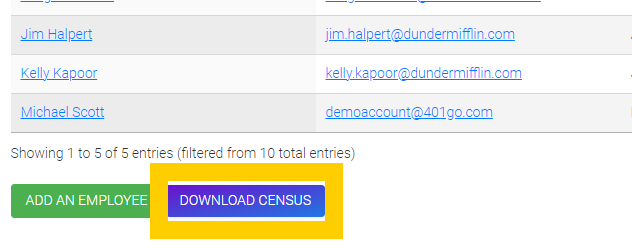
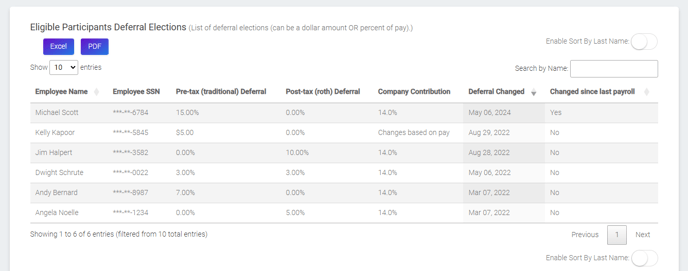
This page also shows Eligible Participants Deferral Elections. This information can also be found on the Withholding Amounts page in the Menu. This page will update each time an employee updates their deferral amounts in 401GO.