![401GO-Logo-LG.png]](https://help.401go.com/hs-fs/hubfs/401GO-Logo-LG.png?height=50&name=401GO-Logo-LG.png)
You can view your plan documents and download reports by navigating to Menu > Documents.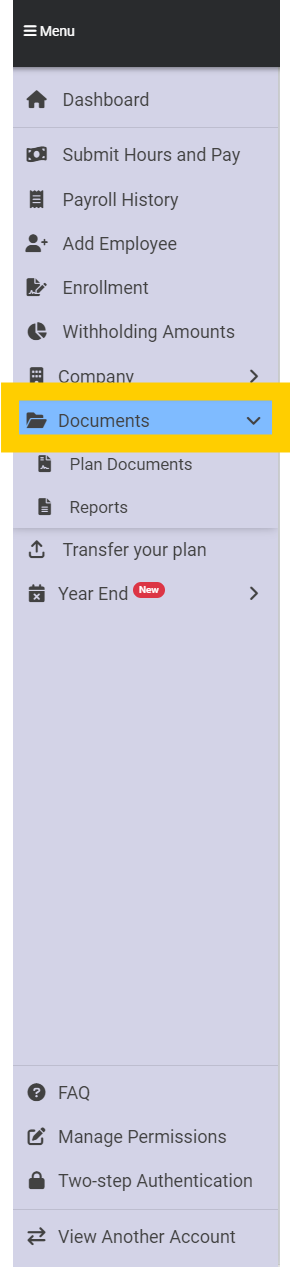
Plan Documents
The plan documents are available in company view and the participant view. A brief description of these documents is below.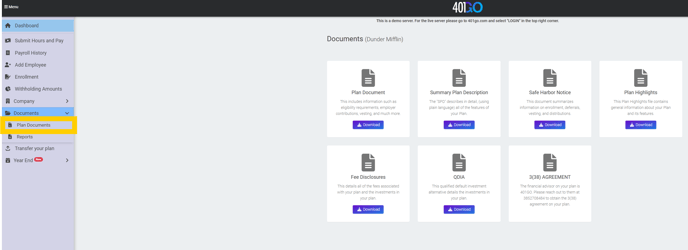
- Plan Document: includes information such as eligibility requirements, employer contributions, vesting and much more
- Summary Plan Description: describes your plan’s features in detail, using plain language
- Safe Harbor Notice: summarizes information on enrollment, deferrals, vesting and distributions
- Plan Highlights: contains general information about your plan and its features
- Fee Disclosures: details all the fees associated with your plan and the investments available in your plan
- QDIA: the qualified default investment alternative provides details about the investments in your plan
- 3(38) Agreement: the agreement between you and the fiduciary who selected the funds available in your plan
- Note: the 3(38) agreement is only available to download if the 3(38) fiduciary connected with your plan is GO INVEST. If you are using a different 3(38) fiduciary, you will need to contact them for the agreement.
Reports
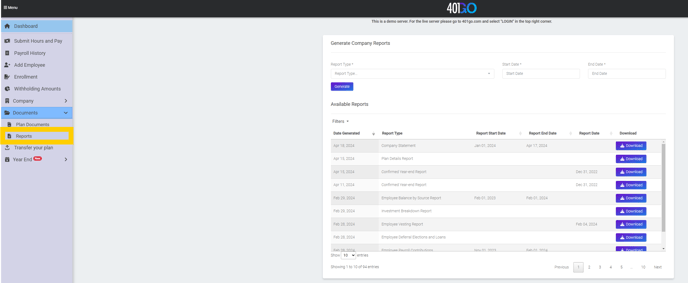
More than 20 types of reports are available to download. To pull a report, select the report type from the drop-down menu, the start and end dates if applicable, and click Generate. After a moment, you will see the report under Available Reports.