![401GO-Logo-LG.png]](https://help.401go.com/hs-fs/hubfs/401GO-Logo-LG.png?height=50&name=401GO-Logo-LG.png)
To access Plan Documents and Statements, navigate to the Menu and select Documents.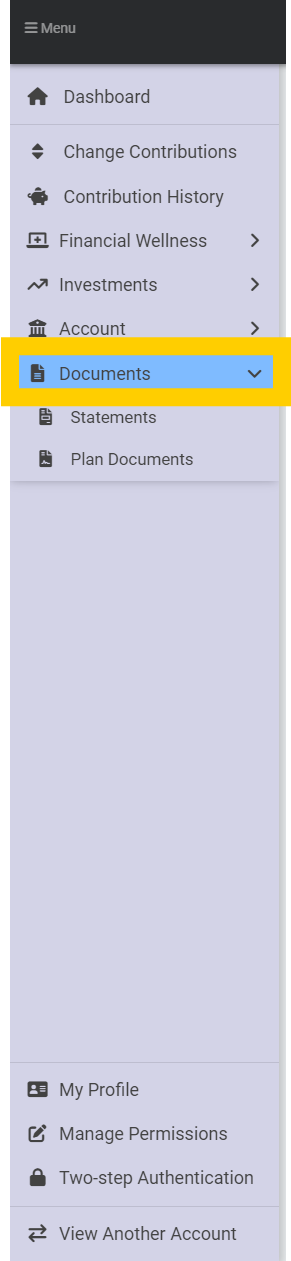
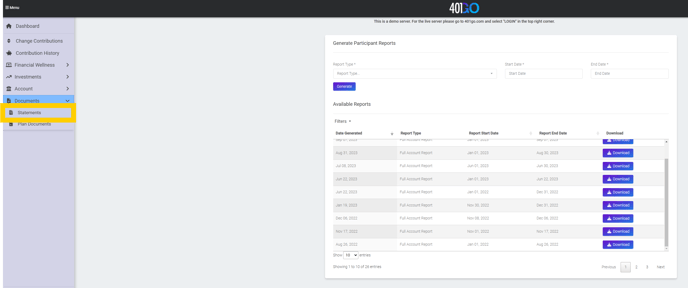
The Statements selection allows you to download a full report of your account. Choose a start and end date, click Generate and you will get a statement you can download and view.
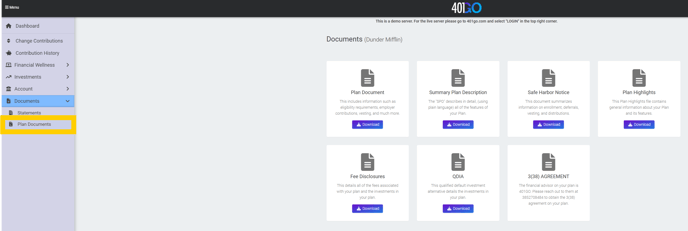
The Plan Documents selection is where you will find how your company plan is set up, what the company match is if your plan offers one, eligibility requirements, fee disclosures and default investment details. You can download each of these documents to view, save, print or email. You may also choose to view Plan Highlights instead of reading each page of the plan document.