![401GO-Logo-LG.png]](https://help.401go.com/hs-fs/hubfs/401GO-Logo-LG.png?height=50&name=401GO-Logo-LG.png)
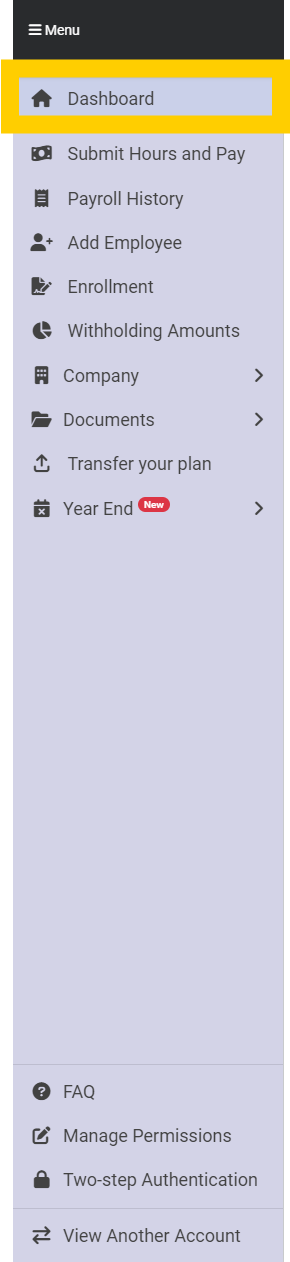
When you log into 401GO as a company administrative user, you’ll be taken to your Dashboard. You can go back to your Dashboard at any time by clicking the Dashboard button in the menu.
This page is the home base of your company’s 401(k) plan. Here, you can see information for recent payroll uploads, new employees and plan details.
If you would like more information about a recent payroll upload, click on the blue hyperlink under “Date submitted.”
You can also submit hours and pay or add a new employee by clicking on the corresponding button near the top of the page.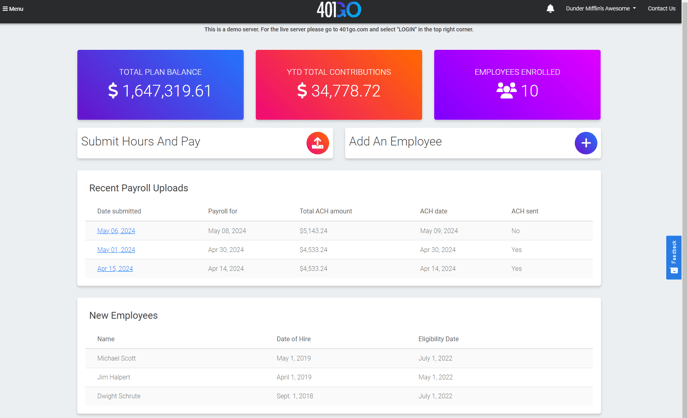
At the bottom of the page beneath New Employees, you can also see your company’s point of contact, if applicable.