![401GO-Logo-LG.png]](https://help.401go.com/hs-fs/hubfs/401GO-Logo-LG.png?height=50&name=401GO-Logo-LG.png)
The Dashboard is the home base of your 401(k) account.
When you log into 401GO as an Individual or Participant, you’ll be taken to your Dashboard. You can go back to your Dashboard at any time by clicking on “Dashboard” in the menu.
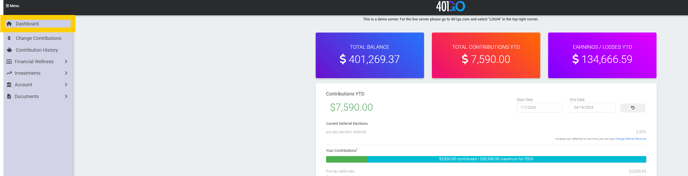
Here you can see your total balance, recent payroll uploads, total contributions YTD, employer contributions, earnings/losses YTD, plan details and more.
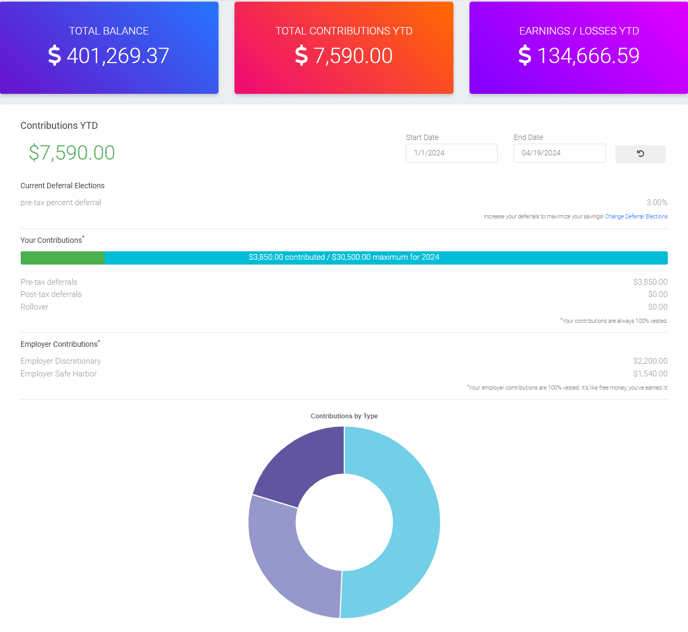
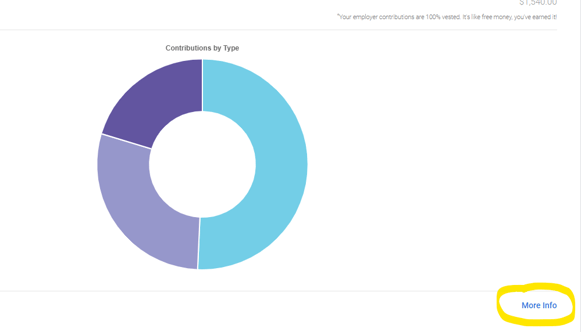
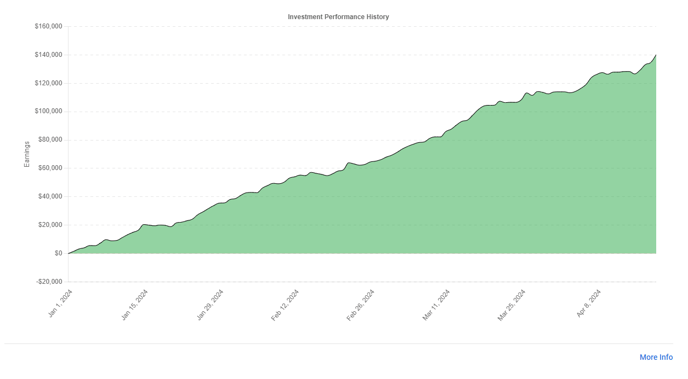
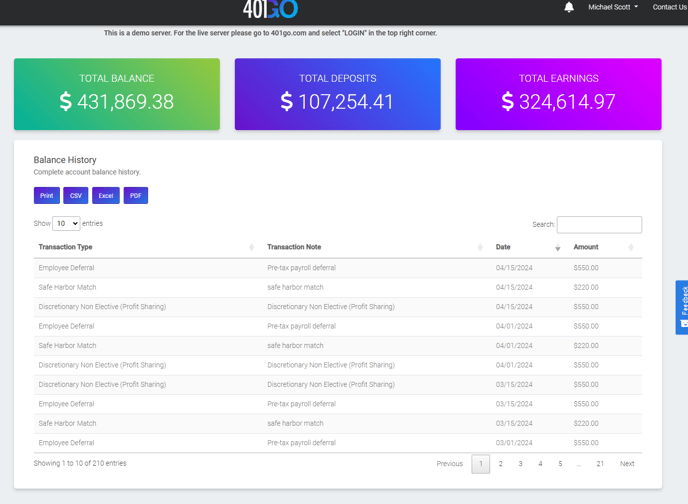
If you select "More info" in the right hand corner, it will take you to your contribution history.
If you keep scrolling (instead of clicking "more info") you will see your investments including the number of shares, the value, and weight of the investment.
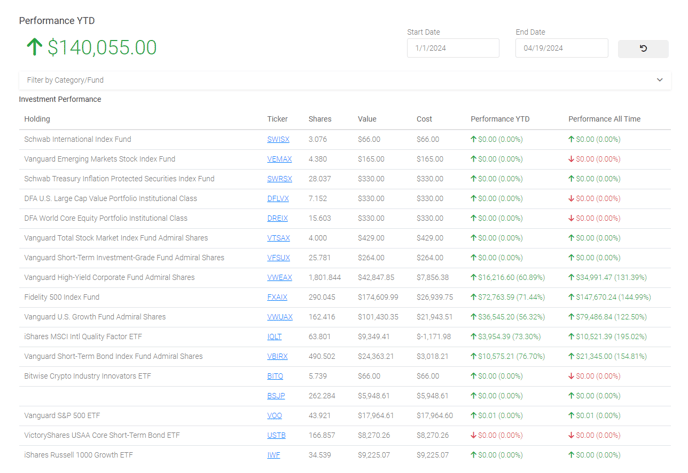
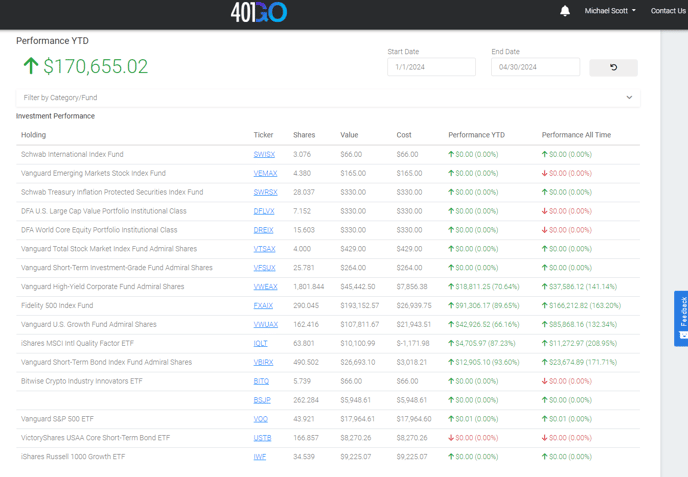
Then you will see the Investment Performance YTD including the value, cost, performance YTD and performance all time. You can filter this by Category or Fund.