![401GO-Logo-LG.png]](https://help.401go.com/hs-fs/hubfs/401GO-Logo-LG.png?height=50&name=401GO-Logo-LG.png)
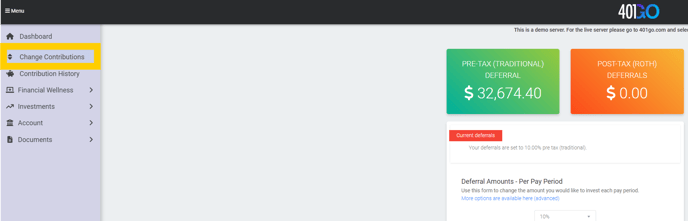
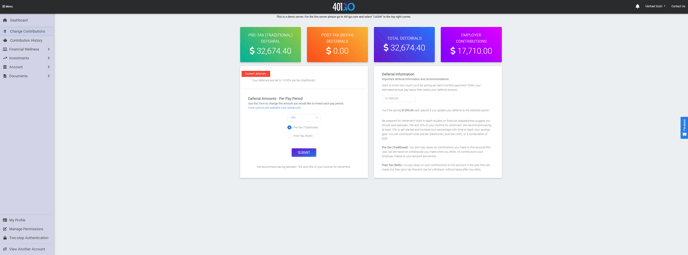
To adjust your contributions, also known as deferral amounts, log in to your 401GO account and navigate to "Menu > Change Contributions." You can select your desired contribution percentage in increments of 1%, starting from 1% up to 10%. Additionally, you have the option to increase in increments of 5%, starting at 10% up to 25%. You may view your choices in the Deferral Amounts dropdown menu.
For custom options, click on the “More options are available here (advanced)” link in blue. Here, you can choose to contribute in percentages or a specific dollar amount. You can also specify whether you want to contribute to a Pre-Tax account, a Post-Tax Roth account, or both. The advanced options allow you to choose either a percentage or dollar amount.
Save your changes by clicking the blue Submit button.
For your convenience, you can use the calculator feature to the right of the deferral selection box to estimate your savings, and make informed decisions to meet your retirement goals. Keep in mind that changes made after your company’s payroll submission will reflect in the following payroll cycle.