![401GO-Logo-LG.png]](https://help.401go.com/hs-fs/hubfs/401GO-Logo-LG.png?height=50&name=401GO-Logo-LG.png)
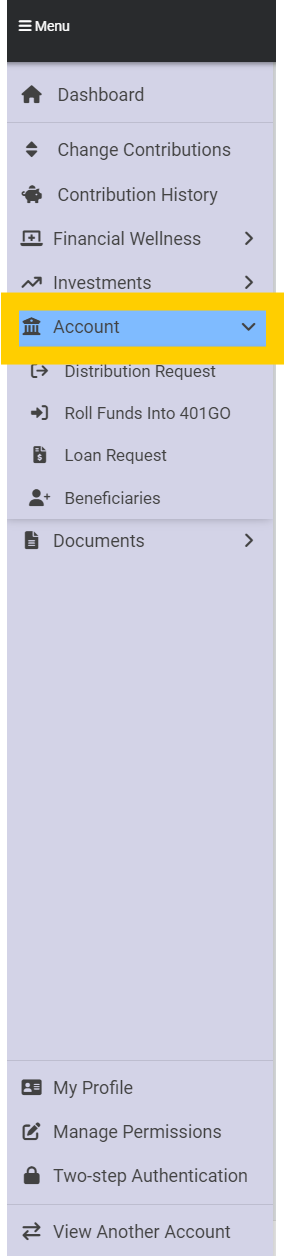
To access information about your account, navigate to the Menu and select Account. You can choose from among four options:
- Withdraw funds from your 401(k) account
- Roll funds out of your 401GO account into another account, or roll funds from another account into your 401GO account
- Request a loan from your 401GO account
- Change or set up beneficiary information
You will be able to see the status of your requests as well as your account balance.
To withdraw funds from your 401GO account, navigate to the Menu and select Distribution Request. There are several reasons you may want to request a distribution of funds.
- Termination of Employment
- Pre-Retirement In-Service Withdrawal (you must be 59 1/2 or older, actively employed and/or have a rollover money source, i.e., another account to deposit the money into such as an IRA or a 401(k) with a different employer)
- Retirement Age Withdrawal (must be age 59 1/2 or older)
- Required Minimum Distribution (you must be 73 or older)
- Rollover funds to a new provider (you must be of retirement age, have a termination date listed on your account by your employer or have a rollover money source).
To request a distribution, click Distribution Request> Request a Distribution (highlighted in green) and a series of questions will come up on your screen. Answer the questions and click Agree on the agreement page. When you are finished, your request will say Pending Approval under Status.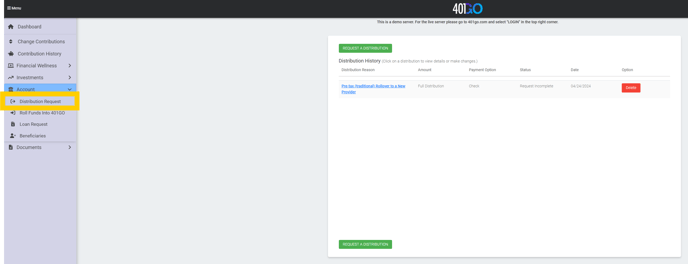
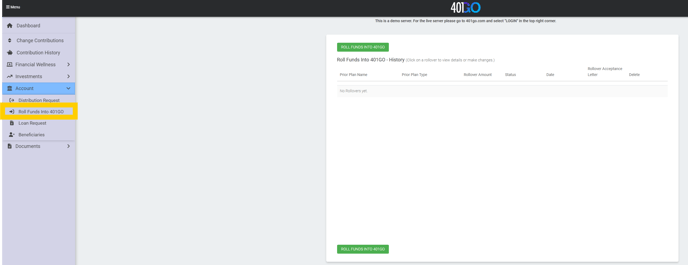
Rolling funds into 401GO account is simple and fast. Click on Roll Funds Into 401GO on the Menu panel at left, then Roll Funds Into 401GO highlighted in green at right. Answer the questions that come up on the screen. When the request is completed, you will receive an Acceptance Letter with all the account and banking information you need to provide to your previous provider. The request must be completed so we can monitor for anticipated incoming funds.
You can see the status of your rollover by clicking on Status. When the rollover is complete, the Status will say Funds Received.
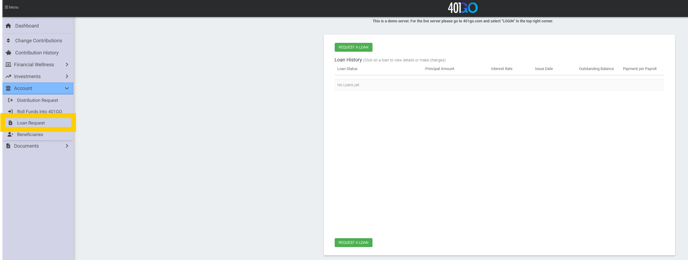
To request a loan, navigate to the Menu and select Loan Request>Request A Loan (highlighted in green). As you answer the questions, you will be provided with the amount of the funds available for the loan request. You can select the full amount, or a smaller amount. Fill out the questions. In the questions you will be provided an available amount you can request. You don't have to request the full amount but it is available to you. When you are finished, you will be provided with a promissory note that will include the amount of the loan, the interest rate, number of payments and a schedule of when payments must be made. If you make changes to the loan before submitting the request, the parameters of the promissory note will change as well. A loan has a minimum of five years for repayment unless you have proof you are taking the loan for payment of a primary residence; then you can have the loan payments extended for up to 30 years.
The minimum loan that can be requested is $1,000, which cannot be more than half your total vested amount. The maximum loan amount is $50,000, regardless of your total balance.
You can only take out one loan at a time, but you can take out a new loan immediately after paying off your original loan.
The interest rate on a loan is prime plus 1%, all paid back to your account.
In essence you are paying yourself back with interest to compensate for some of the growth you may have missed while the funds were taken out.
You can access your Loan History in Loan Requests. This will allow you to see payment amounts, interest, the principal amount of the loan, the outstanding balance of your loan and the date the loan was issued.
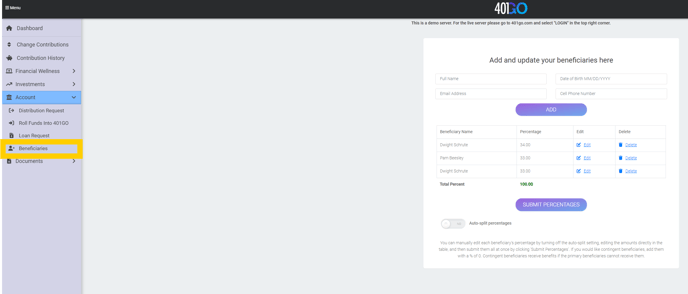
To make changes to your Beneficiaries, navigate to Menu and select Beneficiaries. If you designate more than one beneficiary, the first will be designated as the primary beneficiary and the funds will be divided evenly among them unless you designate different percentages. If the funds will go into a trust, put the name of the trustee on the name line and add them as the primary beneficiary.
If no beneficiaries are listed, then we will use the hierarchy rule for distribution, meaning in the event of your death, your funds will automatically go to your surviving spouse. If you have no surviving spouse, the funds go to your children and if you have no children, to your parents. If your parents are deceased, the money goes to your estate.
To edit your beneficiary information, navigate to Menu>Account>Beneficiaries.